
PennyPDF for Windows
Intel and AMD PCs · x64
Download Windows MSIv1.0.7 · MSI · 123.9 MB
Read, comment, fill forms, sign, and organize PDFs on your computer. Local tools work offline. Online OCR and conversion ask before uploading and use your PennyPDF coin balance.
Intel and AMD PCs · x64
Download Windows MSIv1.0.7 · MSI · 123.9 MB
Apple silicon and Intel · universal
Download for Macv1.0.6 · DMG · 225.3 MB
Developer ID signed and notarized
Download the Windows installer, or open the Mac DMG and drag PennyPDF into Applications.
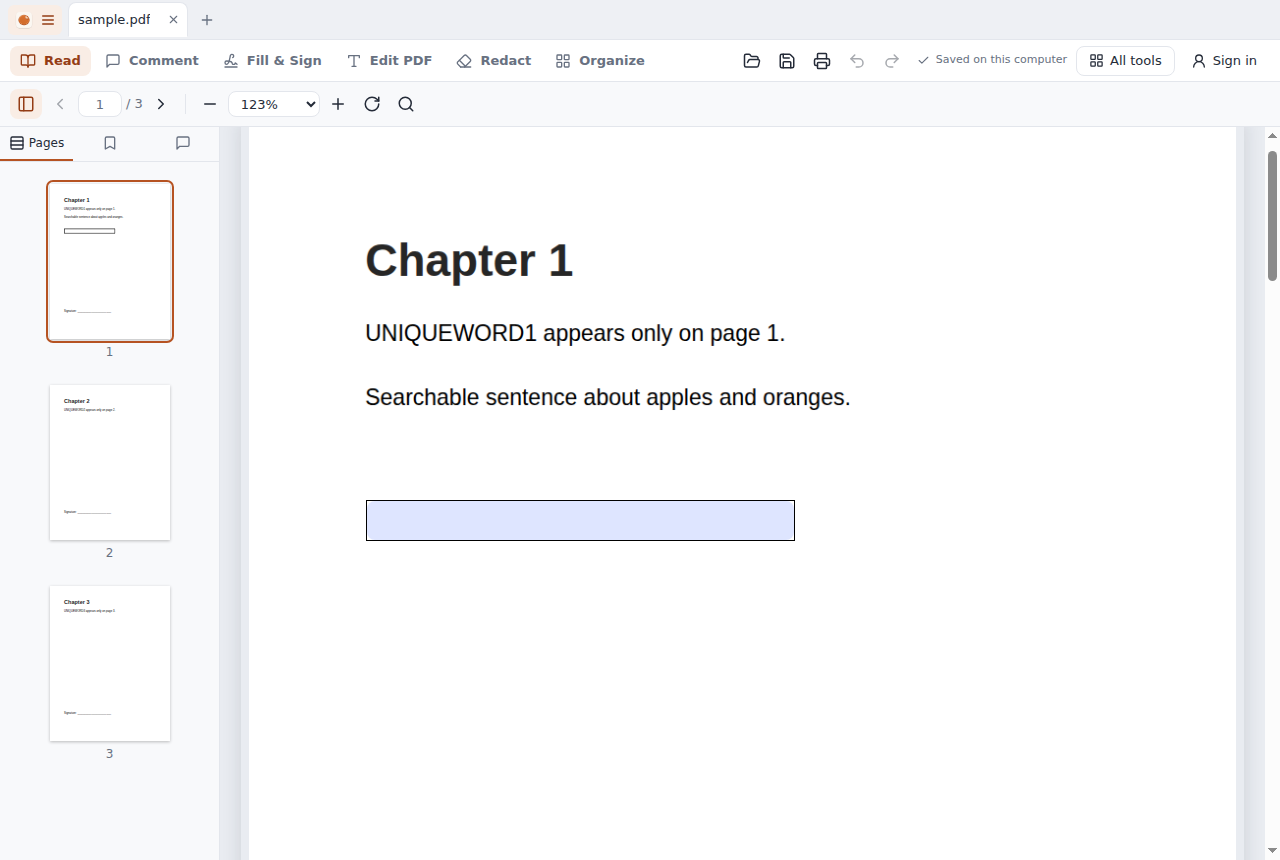
Open documents in tabs. Read, replace supported existing text, fill forms, sign and organize pages on your computer. Chat answers support formatted math and can be inserted into blank writing space after you review their placement. Online chat requires your PennyPDF account.
Open Help → Local MCP Setup inside PennyPDF for copyable Claude Desktop and Codex configuration. The bundled stdio server uses selected document handles. You approve text disclosure, inspect original and draft pages, and choose where to save. Text returned to an AI client may be sent to its provider.
The Windows MSI is for Intel and AMD PCs (x64). The universal Mac app supports Apple silicon and Intel.